Approach
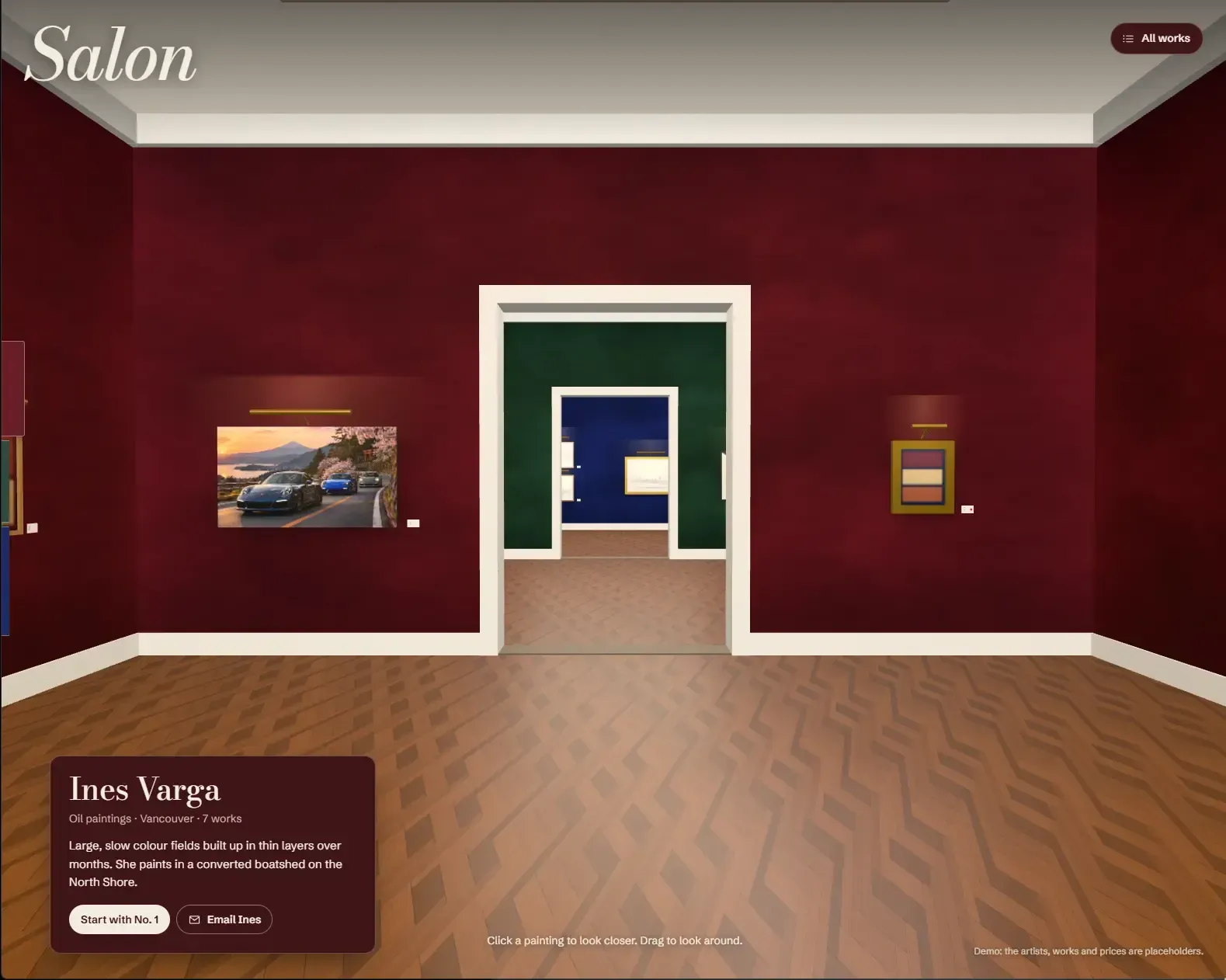
I asked for a 3D gallery with one room per artist that could also work as a single artist’s portfolio. Pick a painting and you can “See it staged”: the piece at true scale above a sofa, a bed or a TV wall. There’s no checkout. Every path ends with contacting the artist.
Before building anything, Claude asked how people should get around. I chose guided navigation over free walking, which is hard on a phone: click a painting or a doorway and the camera glides there. It then offered three visual directions, and I picked the salon hang (as someone not in the art world “salon hang” was not a term I was familiar with - thanks Google).
How it went
This was close to a one-shot (I honestly don’t believe most projects can be done as a one-shot). The first draft had the rooms, the artwork cards, the staging, and the navigation all working. I was surprised by how good the information cards were, and how well Claude built out the navigation. There was a full art list, clicking on paintings directly, and moving between them once selected. There was also the side tab of colours that allowed you to go between the rooms.
There were two things that required prompting to fix. Walking into the next room briefly flashed the previous one, and dragging to look around had a spring on it, so the view kept swinging after I let go. Once those two items were cleaned up, everything was pushed to Vercel.
Wrote the brief. Claude asked how visitors should move around, what to build first, and where the art and staging rooms would come from.
Picked the salon hang from three visual directions. First draft built. Fixed the previous room flashing up when walking into the next one.
Took the momentum out of dragging, then deployed it to Vercel.
The prompts
Our prompts, lightly trimmed, with a one-line summary of what the AI did with each. Copy them and try your own version.
I'd like to build a website in the format of a 3D website for the most part. We're going to be doing it as an art gallery because I have a number of artists and I think it would be great if we could feature their art. We would do maybe one room per artist. I'd also like the flexibility to have it feature only one artist, should one person want the website as their personal portfolio. If a piece of art is selected they can see it, and then there should be an option to click "See it staged": a bunch of backgrounds where you pretend to put it above your couch, above your bed head, or on your wall with a little TV. I don't expect any purchases to go through the website, so we're not going to deal with any payment platforms.
Asked how people should move around before building anything. I chose guided over free walking: click a painting or a doorway and the camera glides there.
Something weird is happening. When I enter the next room, the image on screen glitches back to the first room and then it corrects itself to the current one. Is there something wrong with how things are rendering?
The rendering was fine. The camera's route between rooms stepped backwards about half a metre and briefly faced the previous room. Fixed, and checked frame by frame.
When I grab the floor to move the view, it swings hard. Like it carries momentum. I dislike that. Can we remove the momentum?
Removed the spring behind dragging. The view now follows the pointer exactly and stops when you let go. The glides between rooms still ease.
What the AI got wrong
- First-pass 3D is thin.
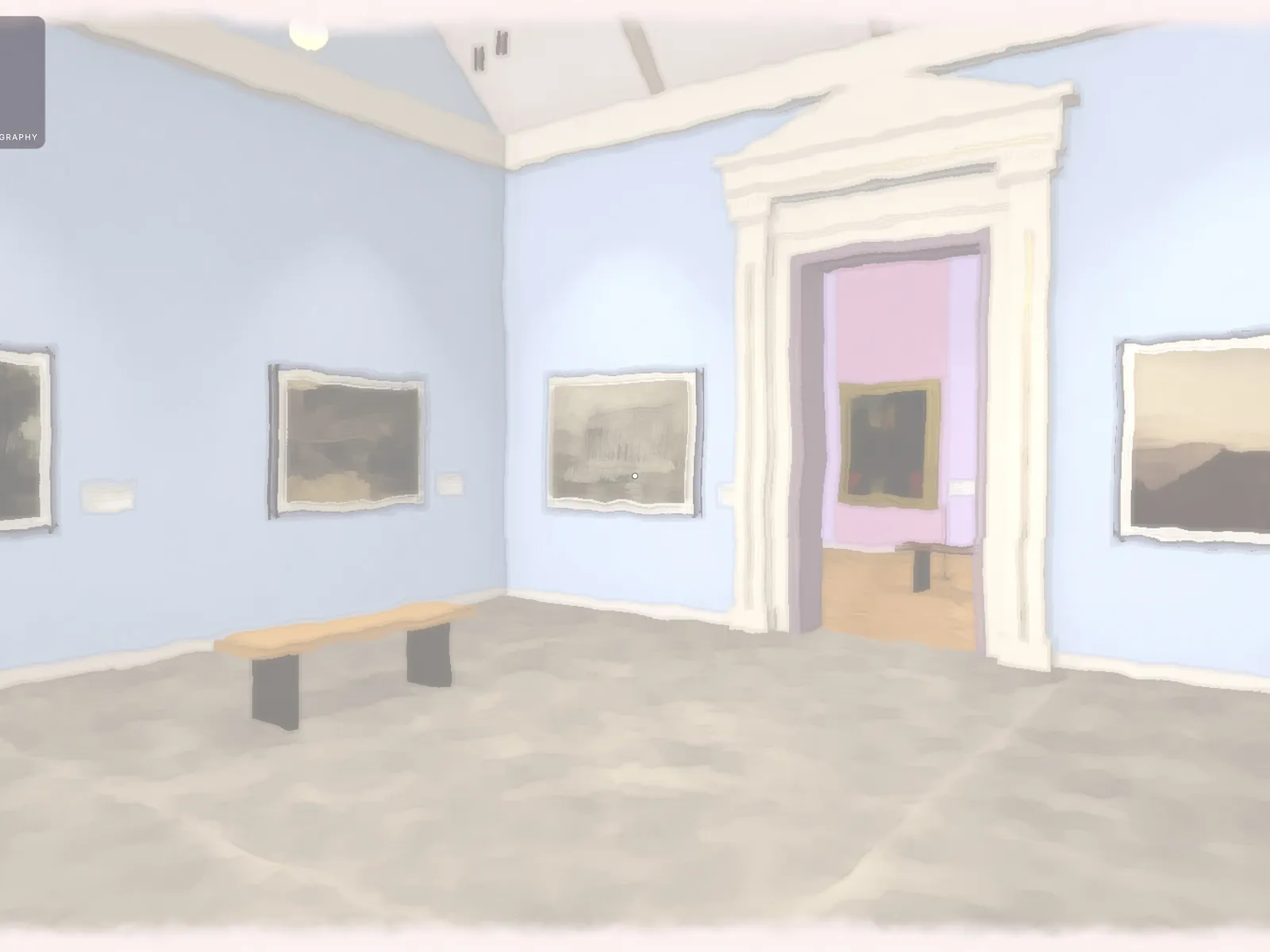
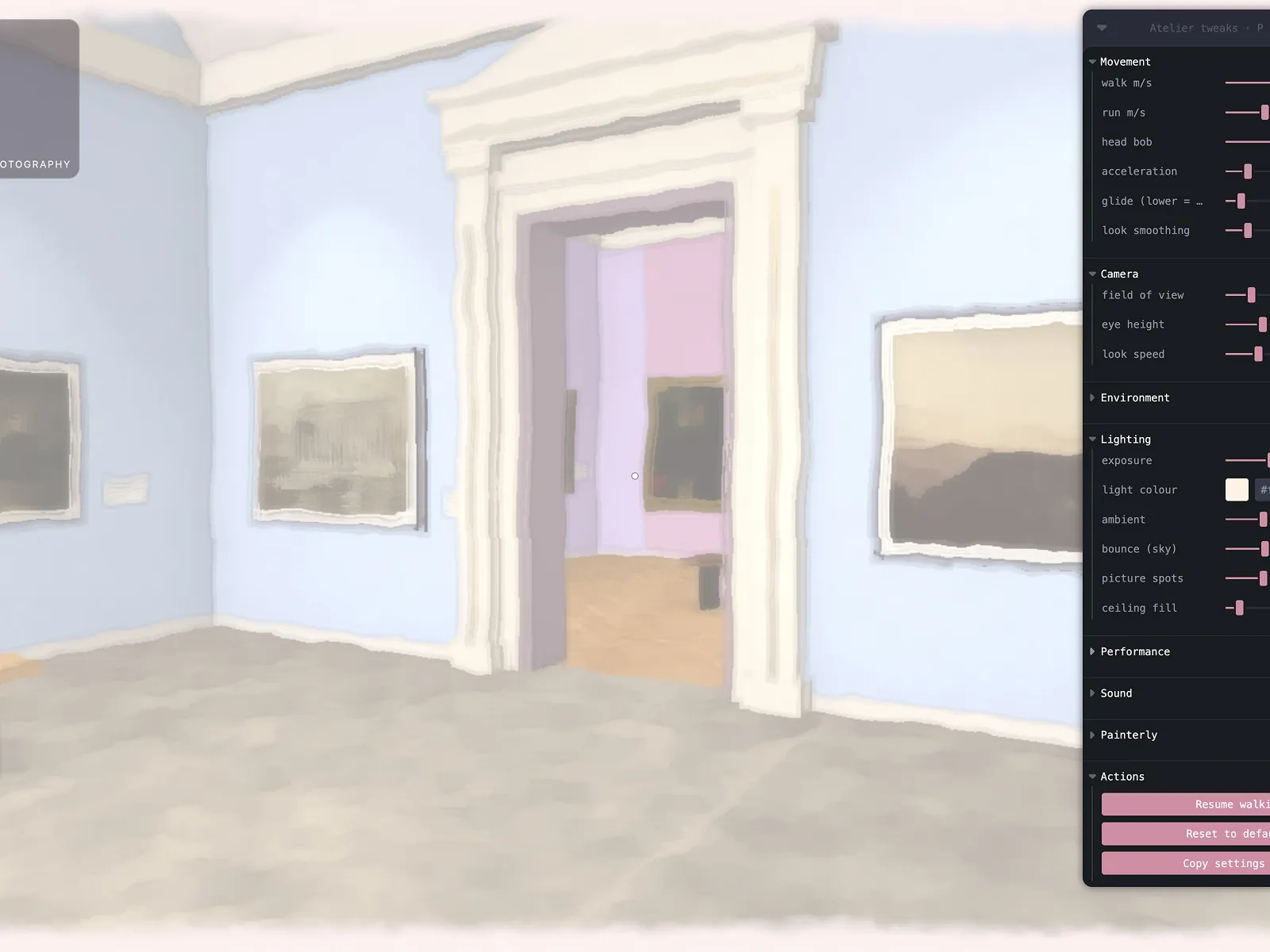
The models don't have much detail, which is a bit underwhelming at first. But it does make sense, though: the AI doesn't burn a lot of tokens on detail you might not like, and you can prompt for more where you want it. (I also didn't have Blender connected for this session - would connect it for any refinement.)
- The art clashes with the TV.
In the media-wall staging scene, some of the larger artwork overlaps the TV instead of hanging clear of it. Claude clearly missed this during the spot checks.
- The camera walked backwards.
Moving into the next room briefly showed the previous one, because the camera's route stepped back before going forward.
- No clear way back.
Going back a room means the side tabs or the arrow keys. Nothing on screen says "previous room", and the browser's Back button leaves the site. You also can't spin the camera to look backwards because it has a motion restriction.
What I'd do next
Fix the lighting, where the glow behind the lights sprays upwards for no clear reason. Rework the staging rooms, because the rendered furniture looks like blobs. Then make the enquiry form actually send, and add a clear way back to the previous room. If this were actually going to be used as a production website, I would also add a CMS for the end user.
What I learned
Claude designs and builds following a proper design process. It takes the information, gives you a rough draft, and basically says "What do you think of this?" and you refine it from there. Doesn't necessarily blow your socks off on the first pass, but gets you to the goal the proper way.